






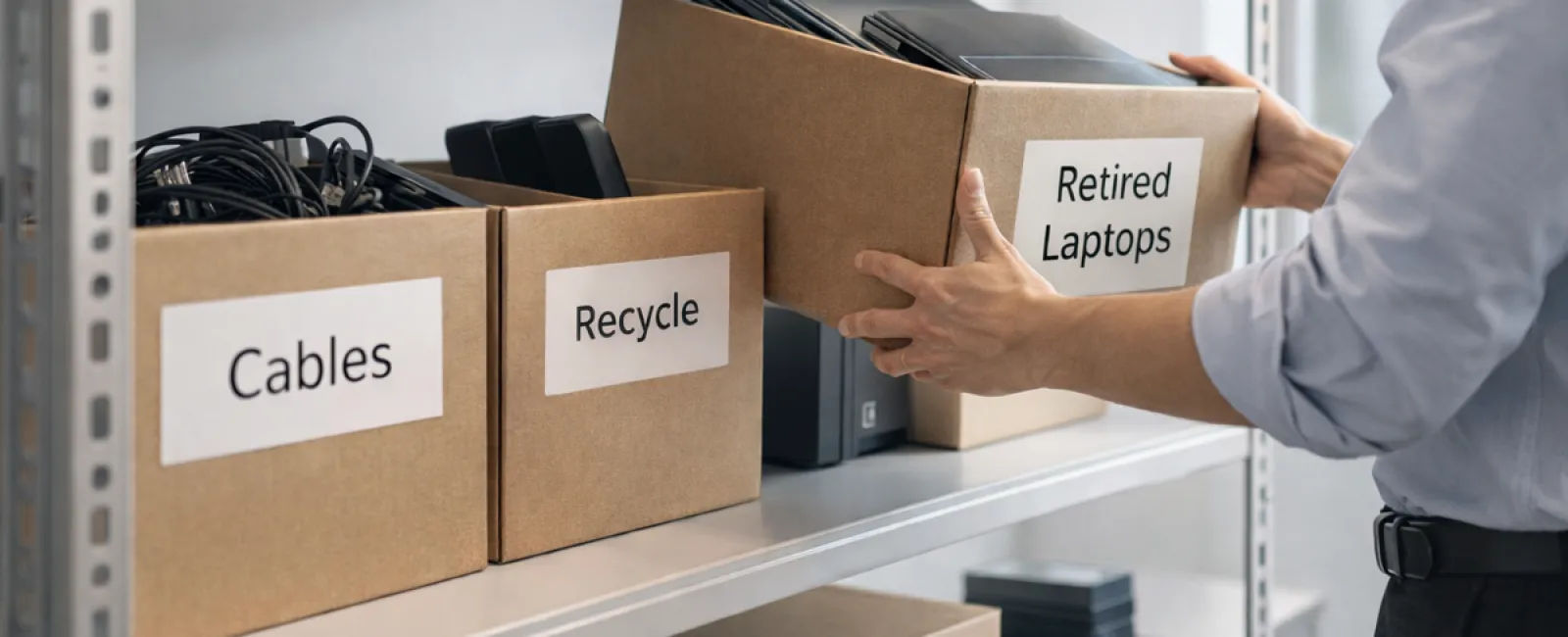
While many think of spring cleaning as a closet task, businesses often face a much bigger challenge: clearing out hidden tech clutter.
It's not just about outdated servers; the clutter could be lurking in storage rooms, back offices, or stashed away under "we'll tackle this later."
Old laptops, retired printers, backup drives from long-past upgrades, and boxes of unused cables that no one wants to discard "just yet" all pile up.
Every company faces this tech buildup.
The real question: Do you have a clear plan for managing this accumulated technology?
Technology Moves Beyond Its Purchase Date—It Has a Full Lifecycle
Purchasing new technology is usually purposeful: it's faster, more secure, more capable, and drives growth.
Yet, while most companies strategize purchases carefully, very few plan for the end-of-life phase of their technology.
Retiring equipment often happens quietly—replaced devices get sidelined, gathering dust until a cleanup suddenly occurs.
This approach is common, but what's rare is handling tech retirement with the same attention as acquisition.
Old devices still contain value—whether reusable components, recyclable materials, or sensitive data—and can become operational dead weight if ignored.
Spring offers a perfect opportunity to ask: Which equipment still serves us, and which only consumes space?
Streamlined Steps to Declutter Your Technology
Transform the "we should" into action with our straightforward four-step plan.
Step 1: Conduct a Full Inventory
Identify what equipment is due for retirement—laptops, phones, printers, network devices, external drives. You can't manage what's not accounted for, and a thorough review often uncovers surprises.
Step 2: Determine Each Device's Fate
Devices typically fall into one of three paths: reuse (internal or donation), certified recycling, or secure destruction for sensitive data. The key is intentional decisions to avoid equipment languishing in storage limbo.
Step 3: Prepare Devices with Care
Discipline here pays off. For reused or donated devices, remove them from management systems, revoke access, and perform certified data erasure—not just factory resets or quick deletes, as data can still be recovered.
Blancco's study showed 42% of resold drives on eBay still contained sensitive data despite sellers' claims of wiping. Certified erasure tools overwrite every data sector and provide verification reports.
For recycling, engage only certified e-waste providers—avoid dumpsters or curb drops. Popular programs like Best Buy's are for households only, so businesses need certified IT asset disposition (ITAD) or specialized e-waste recyclers with e-Stewards or R2 certifications.
Secure destruction requires certified wiping or physical destruction like shredding or degaussing, with record-keeping including serial numbers, methods, dates, and handlers.
This process isn't paranoia—it's essential to close the loop securely.
Step 4: Document and Move Forward
After equipment leaves your premises, confirm where it went, how it was handled, and that access was fully revoked. Documentation eliminates doubts and protects your company.
Commonly Overlooked Devices
While laptops often get attention, many other devices slip through the cracks.
Phones and tablets may retain email access, contacts, or authentication apps. Factory resets help, but certified mobile wipes are more thorough. Plus, major brands offer trade-in programs, even for older devices, providing credit toward new gear.
Modern printers and copiers usually contain internal hard drives storing scanned, printed, copied, or faxed data. When returning leased copiers, get written confirmation that hard drives are wiped or removed before redeployment.
Batteries are hazardous waste per EPA regulations. Many states prohibit businesses from disposing of rechargeable batteries in regular trash. Remove batteries where possible, tape terminals to prevent short circuits, and use certified collection points like Call2Recycle.org or participating stores like Staples and Home Depot.
External drives and retired servers often linger in storage longer than intended. They deserve the same thorough retirement process as all devices.
Recycling: Beyond Earth Day Reminders
April's Earth Day prompts us to remember: electronics shouldn't end up in landfills. Over 62 million metric tons of electronic waste is generated annually worldwide, but only 22% is recycled properly.
Important components like batteries, monitors, and circuit boards require certified recycling streams. Fortunately, most communities provide certified e-waste facilities for safe disposal.
Proper tech retirement is an operational best practice, environmentally responsible, and strategically smart. You don't have to choose between security and sustainability—you can achieve both.
Plus, quietly sharing your responsible practices on social media builds customer trust without spotlighting the effort.
Unlocking Greater Potential
Spring cleaning isn't just about discarding—it's creating valuable space.
Removing outdated technology is a start, but take a moment to evaluate whether your current systems truly support your business goals.
While hardware cycles in and out, modern success hinges on software, streamlined processes, automation, and well-designed operations driving profitable growth.
Properly retiring old devices keeps your foundation clean; aligning your technology with your vision propels you forward.
How We Support Your Journey
If you already have a solid process for phasing out equipment, that's excellent—this task should feel smooth and routine.
However, as you plan hardware replacements, consider assessing your broader tech environment. Are your systems integrated? Are your tools enhancing growth or merely maintaining status quo?
If you want to explore how your tech stack, software, and workflows could better boost productivity and profitability, we're ready to chat.
No pressure. No equipment checklists. Just a practical conversation about optimizing technology for your business success.
Click here or give us a call at 888-624-7383 to schedule your free 15-Minute Discovery Call.
Inspired? Share this with other business leaders who value smart tech management.
Let spring cleaning extend beyond closets—it's time to refresh the technology that powers your business.


