






Imagine you're three hours into a long five-hour drive to spend the holidays with family. Your daughter asks, "Can I play Roblox on your laptop?"—your work laptop, the one loaded with sensitive client files, financial data, and full access to your business. You're drained from packing, still have hours to go, and the idea of keeping her happily occupied sounds tempting. But is it really worth the risk?
Holiday travel introduces unique security risks that you won't usually encounter during your normal routine. You're tired, distracted, connecting to unfamiliar WiFi networks, and often blending family time with last-minute work checks. Whether you're traveling for business, pleasure, or some mix of both, here's how you can safeguard your data and still enjoy your holiday.
Essential 15-Minute Security Prep Before You Hit the Road
Spend just 15 minutes before your trip to bulletproof your devices:
Core Device Security Steps:
- Install all available security updates immediately
- Back up crucial files securely to the cloud
- Set automatic screen locking to activate within two minutes
- Turn on "Find My Device" for phones and laptops
- Fully charge your portable power bank
- Pack your personal charging cables and necessary adapters
Discuss Device Usage With Your Family:
- Clarify which devices your kids are allowed to use—and which are off-limits
- Set up a dedicated family tablet or a secondary device for entertainment
- Create separate user accounts on your work laptop if children must use it
Pro tip: Instead of handing over your work laptop, bring along a tablet unlinked from any work accounts. A budget-friendly $150 iPad can protect your business from costly data breaches.
How to Navigate Hotel WiFi Networks Safely
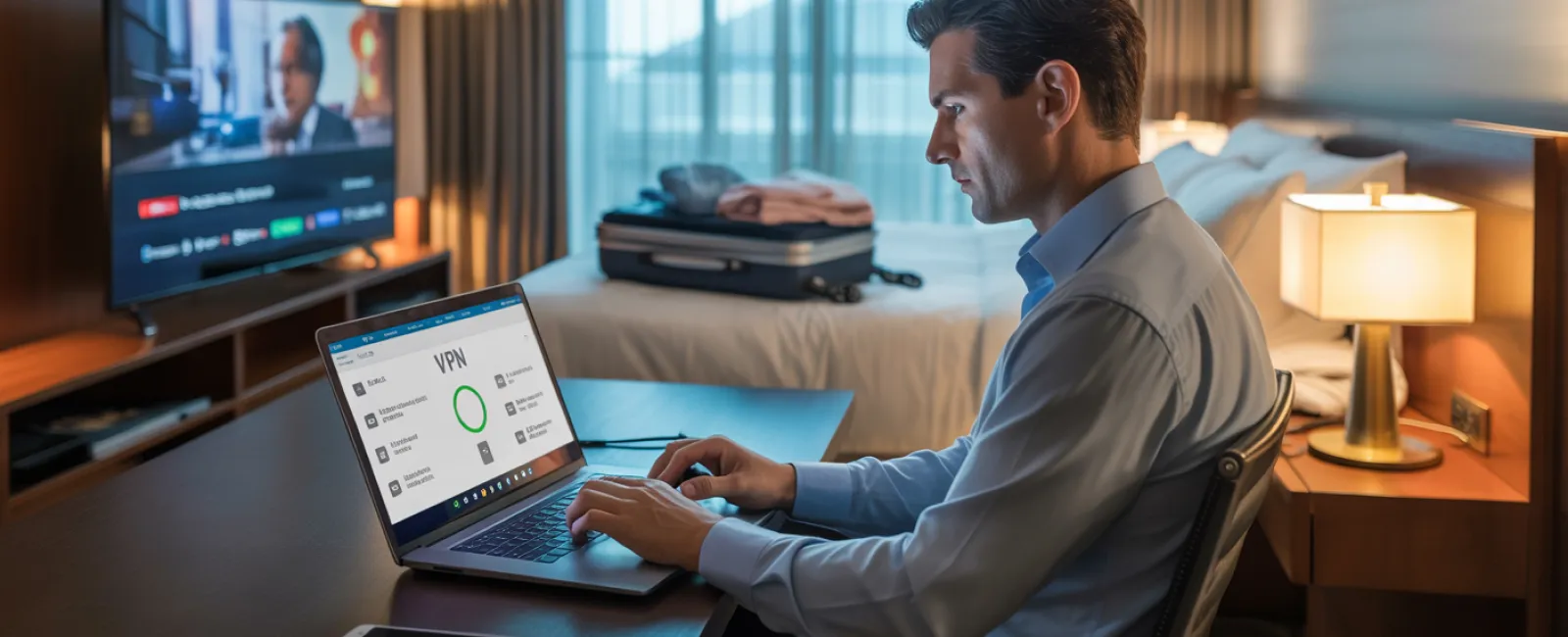
Once you check into your hotel, everyone's eager to connect—phones, tablets, laptops, gaming consoles. Your teen streams Netflix, your partner checks email, and you're trying to review a critical proposal.
But hotel WiFi is a shared network used by hundreds, including potential cyber threats.
True story: A family unknowingly connected to a fake hotel WiFi network set up by an attacker lurking nearby. For two days, every online action—from passwords to credit card numbers—was intercepted.
Secure Your Connection:
Confirm the exact network name: Always get the official WiFi name from the front desk. Never guess.
Use a VPN for work-related access: This encrypts your data when checking emails or accessing company files.
Use your phone's hotspot for sensitive activities: Handle banking, client data, and confidential tasks over mobile data rather than hotel WiFi.
Keep entertainment and work separate: Let the kids stream cartoons on hotel WiFi, but access work securely through your hotspot.
The Risks of Letting Kids Use Your Work Laptop
Your work laptop houses sensitive emails, bank info, client files, and business systems. Meanwhile, your kids want to watch YouTube or play games.
Why this is critical: Kids can unintentionally download malware, click malicious pop-ups, share passwords, or forget to log out. While innocent, such actions can jeopardize your work device's security.
How to protect your work computer:
Politely but firmly refuse: "This laptop is for work. Use [alternative device] instead." Consistency is key.
If sharing is unavoidable:
- Create a restricted user account
- Supervise device use closely
- Disallow any downloads
- Disable password saving
- Clear browsing history after each session
Even better: Bring a dedicated family device for travel, like an older tablet or laptop without work account access.
Streaming Safely on Hotel TVs: Avoid the Logout Mistake
Your family wants movie night on the hotel smart TV. Someone logs in to your Netflix account, but you forget to log out when checking out.
The danger: The next guests could access your streaming services, and if passwords overlap with other accounts (which they shouldn't), it could lead to further breaches.
Simple fixes:
- Use your own device and cast the content for secure viewing
- Set a reminder to log out of all accounts before checkout if you must log in on the TV
- Better yet, download shows to your devices beforehand and avoid hotel TVs completely
Never log into these on hotel TVs:
- Banking applications
- Work-related accounts
- Email services
- Social media platforms
- Any accounts with saved payment info
Lost Your Device? Immediate Actions to Protect Your Data
Travel chaos means devices can get left behind—in restaurants, hotel rooms, rental cars, or airport checkpoints. If your device goes missing:
First hour checklist:
- Use "Find My Device" to track its location
- If recovery seems unlikely, lock the device remotely immediately
- Change passwords for all sensitive accounts from another secure device
- Tell your IT department or MSP to revoke access to company systems
- If sensitive business data was stored, notify affected clients or partners
Pre-trip device safeguards:
- Enable remote tracking features
- Use strong password protection
- Activate automatic data encryption
- Ensure the device supports remote wiping
Familyer's device lost? Follow the same procedure: remote lock, change passwords, and track down if possible.
Avoid the Rental Car Data Trap
When connecting your phone to a rental car's Bluetooth to play music or use GPS, that car may store your contacts, call history, and message previews, which can be accessed by the next driver after you return the vehicle.
Quick 30-second security routine before returning:
- Disconnect and delete your phone from the car's Bluetooth settings
- Clear recent GPS destinations
- Or, simply use an aux cable or avoid Bluetooth connections altogether
Set Clear Boundaries During a "Working Vacation"
You promised quality family time but find yourself checking emails multiple times, taking spontaneous work calls, and working while others play mini-golf.
Constantly toggling between work and vacation can make you less security-conscious—leading to risky clicks and untrusted network connections.
Here's how to balance it:
- Limit work email checks to two specific times per day
- Use your phone's hotspot, not hotel WiFi, when handling work tasks
- Work privately in your hotel room, away from public spaces
- Be fully present during family moments—no multitasking
Best advice? Take real time off. Your business will survive a week, and you'll return with sharper security awareness.
Adopt a Smart Holiday Travel Security Mindset
Let's face it: balancing work and family on holiday trips can be chaotic. Sometimes your kids do need your device; sometimes you must check an urgent email.
Perfection isn't the goal—intentional risk management is:
- Prepare your devices thoroughly beforehand
- Recognize risky activities (like banking on public WiFi) vs low-risk ones (using a hotspot for emails)
- Establish clear boundaries between work and family device use
- Have a quick-response plan for security issues
- Know when to say, "Not on this device," and follow through
Make This Holiday Season Truly Unforgettable—For All the Right Reasons
The holidays are for cherishing time with loved ones—not recovering from a data breach or apologizing to clients for compromised info.
A bit of planning and simple rules can keep your business safe while ensuring everyone enjoys the break. Your family experiences the joy of the holidays; your business stays protected. That's a win-win.
Need help crafting travel security policies for your team and yourself? Click here or call us at 888-624-7383 to schedule a free 15-Minute Discovery Call. We'll assist you in creating effective protocols that shield your business without complicating travel.
Because the best holiday memory shouldn't be, "Remember when Dad's laptop got hacked?"


