






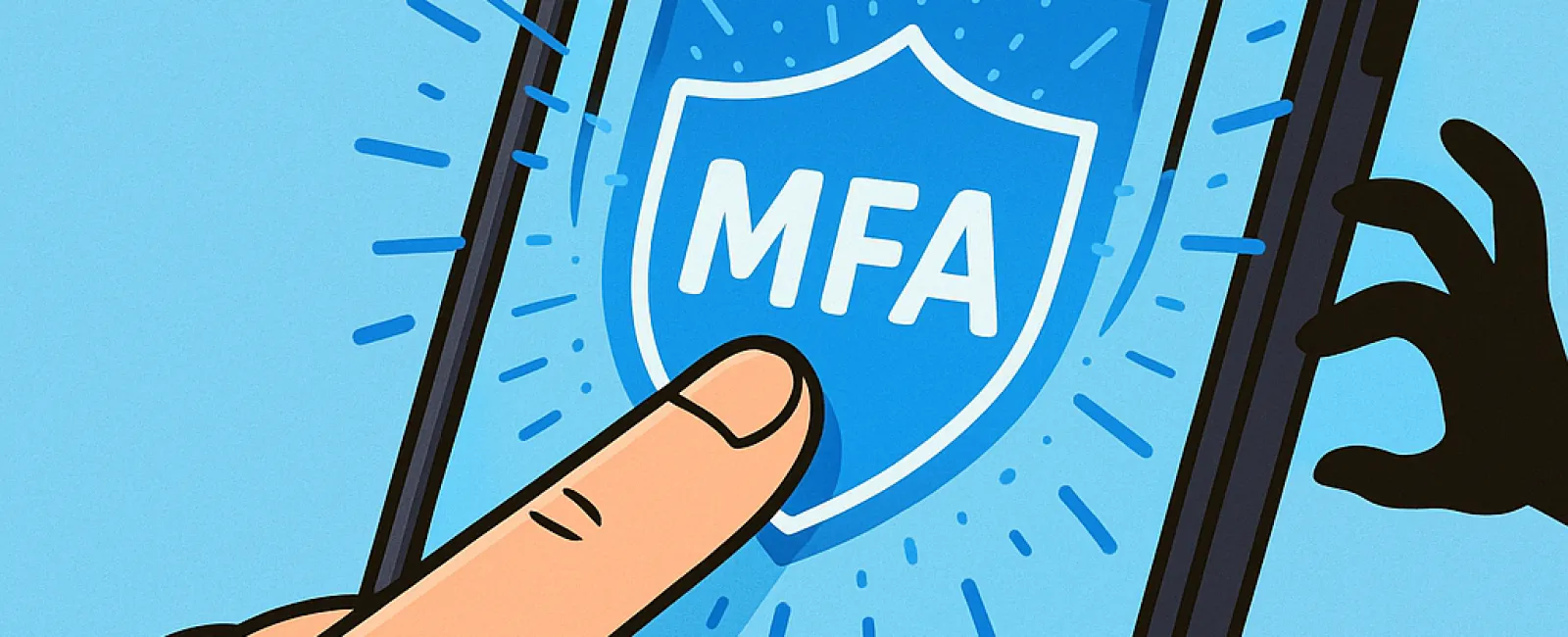
Just like you wouldn't drive without fastening your seatbelt or leave your office unlocked overnight, you shouldn't go online without multifactor authentication (MFA).
Think of MFA as an extra locked door protecting your digital world. Instead of solely depending on a password—which can be hacked, stolen, or guessed—MFA adds a second layer of defense such as a text message code, authentication app, or fingerprint scan. Even if a cybercriminal obtains your password, they can't get through without passing this additional security step.
One Simple Step That Drastically Enhances Security
Your password is like locking your front door; MFA is like setting your security alarm before bedtime. While not absolutely mandatory, it's incredibly reassuring to know you have backup protection if the first line is breached.
MFA introduces a quick verification step to ensure it's really you logging into your account. You may hear terms like "two-step verification," "two-factor authentication," or "one-time password," but they all mean adding multiple checks to confirm your identity before access is granted to sensitive data.
MFA methods include account confirmation emails, security questions, text message codes, push notifications, and phone calls—with most requiring just a single tap or code entry to complete.
How MFA Protects You in Real-Life Scenarios
While MFA is effortless and fast on your end—just enter a code or tap a button—it becomes a formidable barrier for hackers. If someone tries to breach your account, MFA immediately notifies you or asks for a code, alerting you to suspicious activity. This rapid warning lets you update your password before sensitive information is exposed.
MFA also prevents unauthorized access even if a hacker convinces an employee to share login details. According to Microsoft, enabling MFA reduces the chance of your account being compromised by over 99.2%, and up to 99.99% when properly configured.
Where and How To Implement MFA
MFA should be enabled especially for:
- Banking and finance apps
- Email and cloud storage services
- Social media profiles
- Work-related platforms containing sensitive or client data
Setting up MFA is usually straightforward. Most major online platforms have built-in MFA options—simply activate the one that suits you best and integrate it into your login routine. Using an authenticator app can significantly strengthen security, especially for staff access.
In summary, MFA is a fast, no-cost solution to prevent the majority of account hacks. Investing just a few minutes in enabling it today can save you from extensive data breaches and weeks or years of recovery down the road.
For the easiest and most seamless MFA setup, contact your trusted IT provider. A skilled Managed Service Provider (MSP) will guide you through the process efficiently. If you need expert cybersecurity support, click here or call us at 888-624-7383 to schedule your 15-Minute Discovery Call with our dedicated team.


